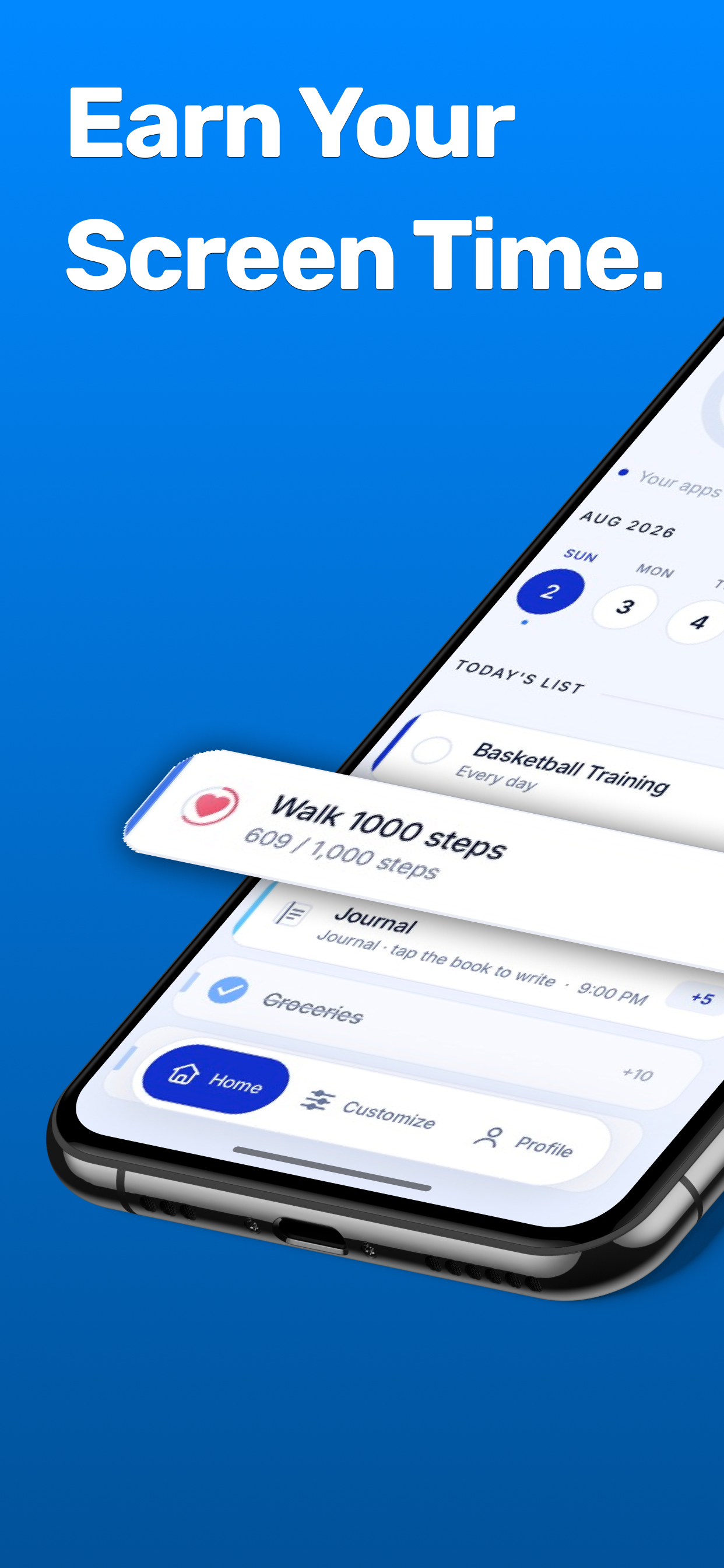
Your distracting apps stay locked until you've actually done something. Finish a task, bank the minutes, unlock your phone.
Free to download No account needed Set up in 2 minutes
Forty minutes later the thing still isn't done. It was never a willpower problem — there is simply nothing standing between you and the scroll.
Set it up once tonight and the day runs itself from there.
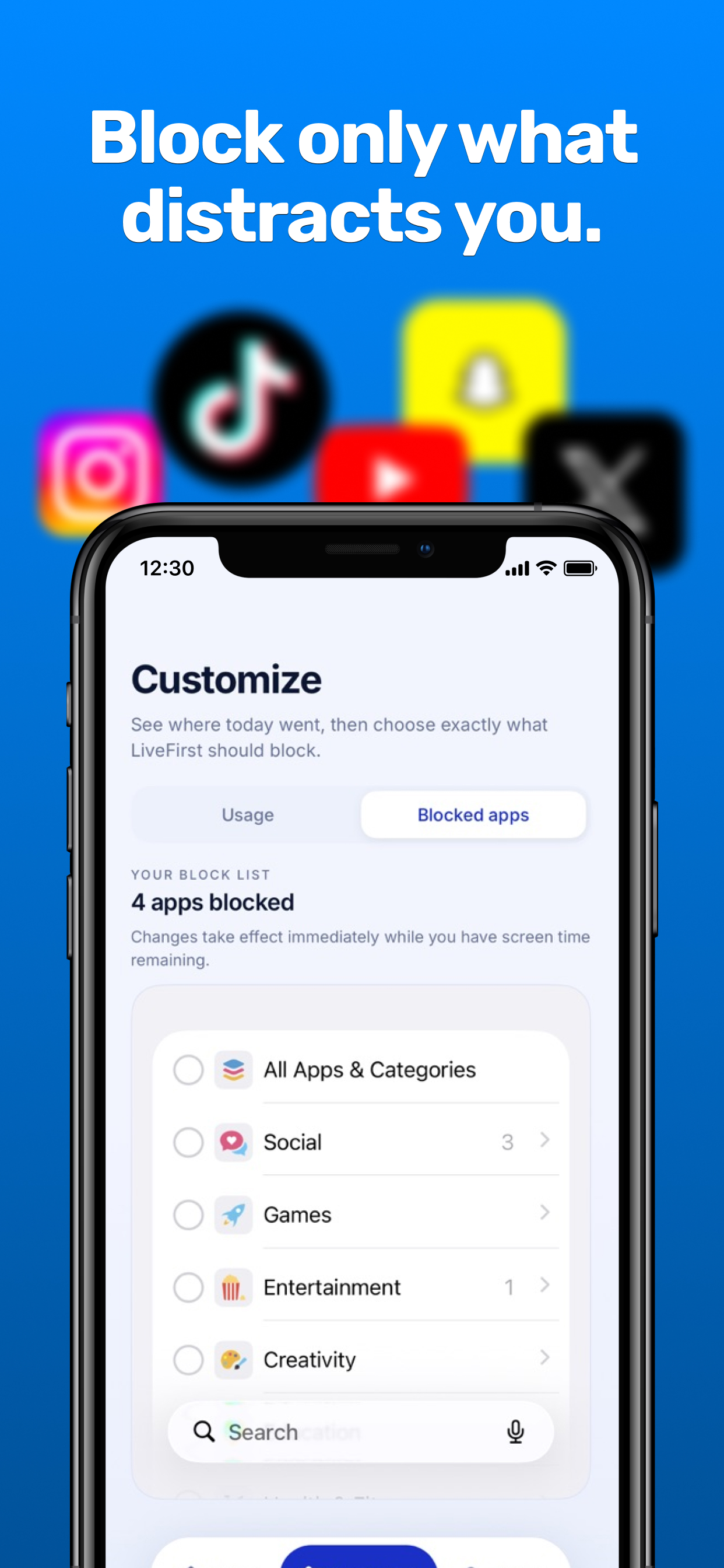
Choose the apps or whole categories that eat your day — social, games, video, whatever yours are. Everything else stays open all day long.
Add the things you actually want to get done and decide what each one is worth. A five-minute job and a real effort shouldn't pay the same.
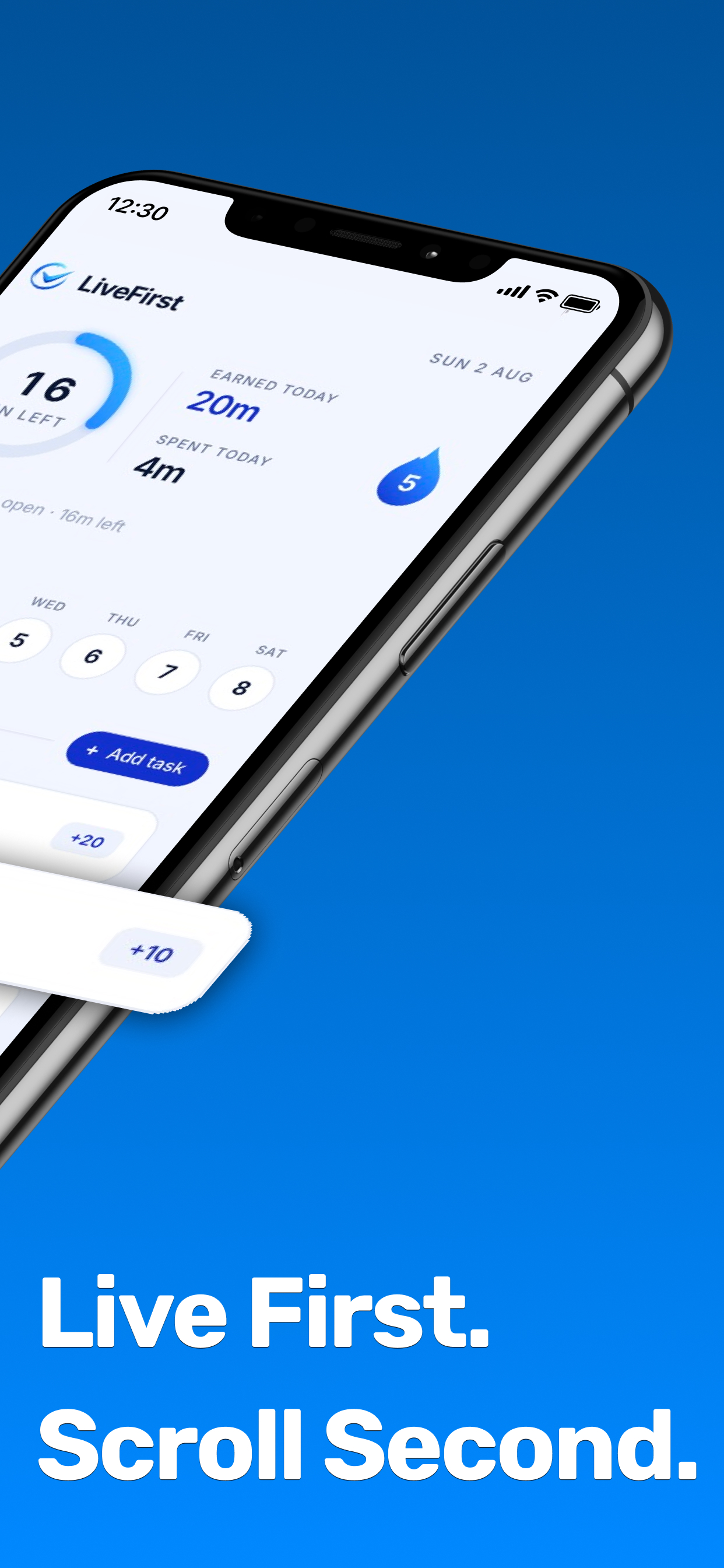
Finish a task and the minutes hit your balance instantly. Spend them. When they run out, the apps lock again until you earn more.
Free to download · No account needed
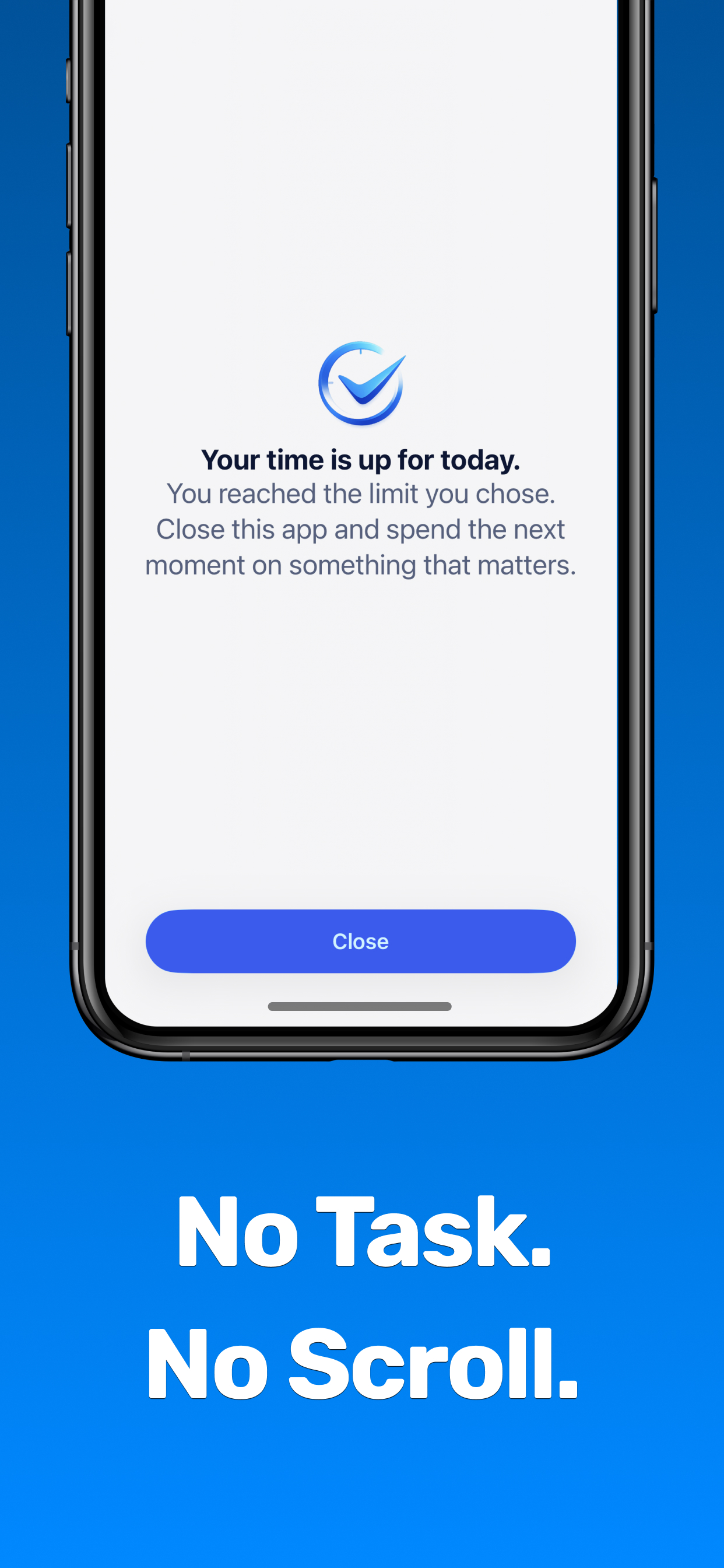
LiveFirst runs on Apple's own Screen Time framework, so the apps you choose are genuinely restricted — not hidden behind a reminder you can swipe away. Run out of minutes and the door closes until you earn more.
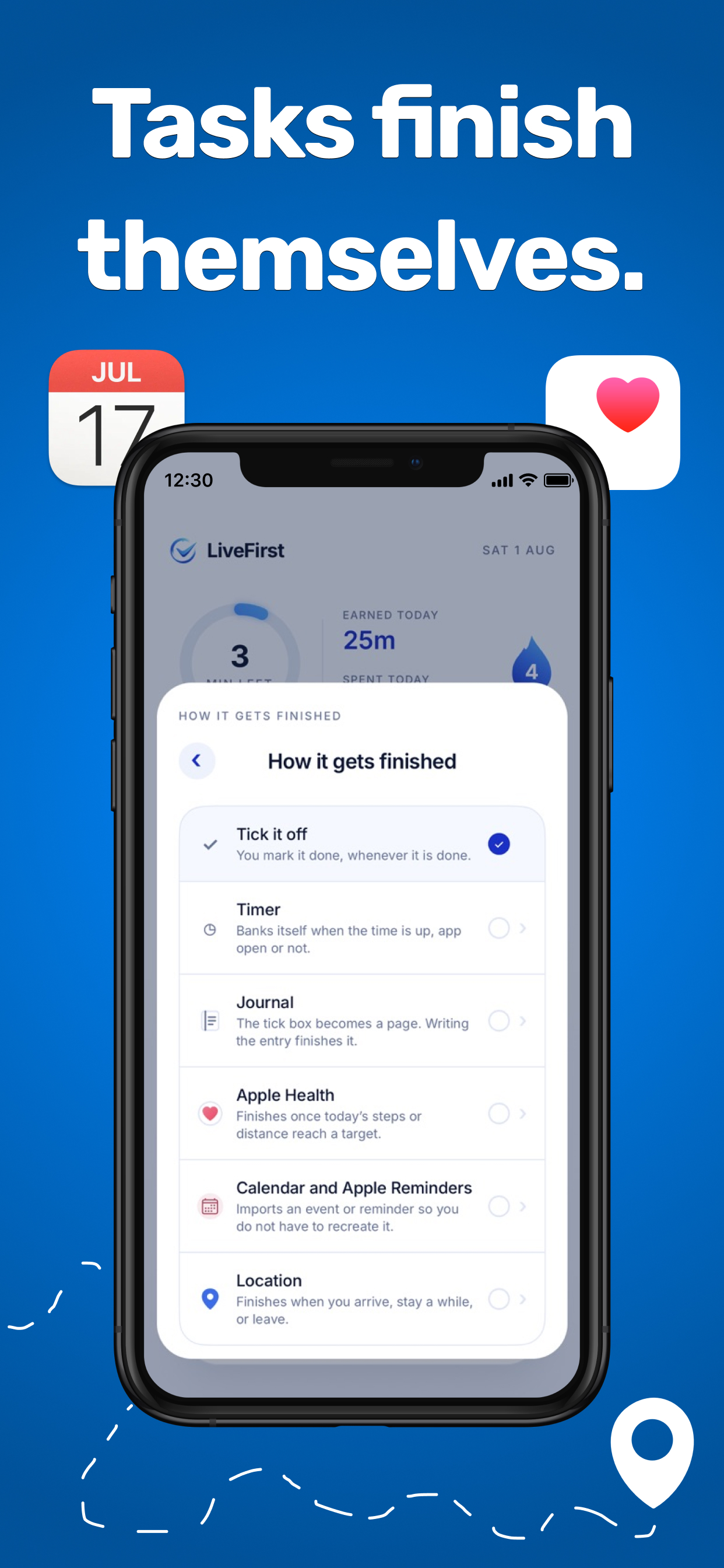
Ticking a box is only one of seven options. Tell LiveFirst how a task gets finished and it handles the rest — even with the app closed.
Set the tasks, decide what each one is worth, and lock the whole thing behind a six-digit passcode. Screen time stops being an argument and starts being something they earn.
LiveFirst is an in-app safeguard on one device — it isn't remote supervision, and it doesn't replace Apple's device-level parental controls.
Set it up tonight — free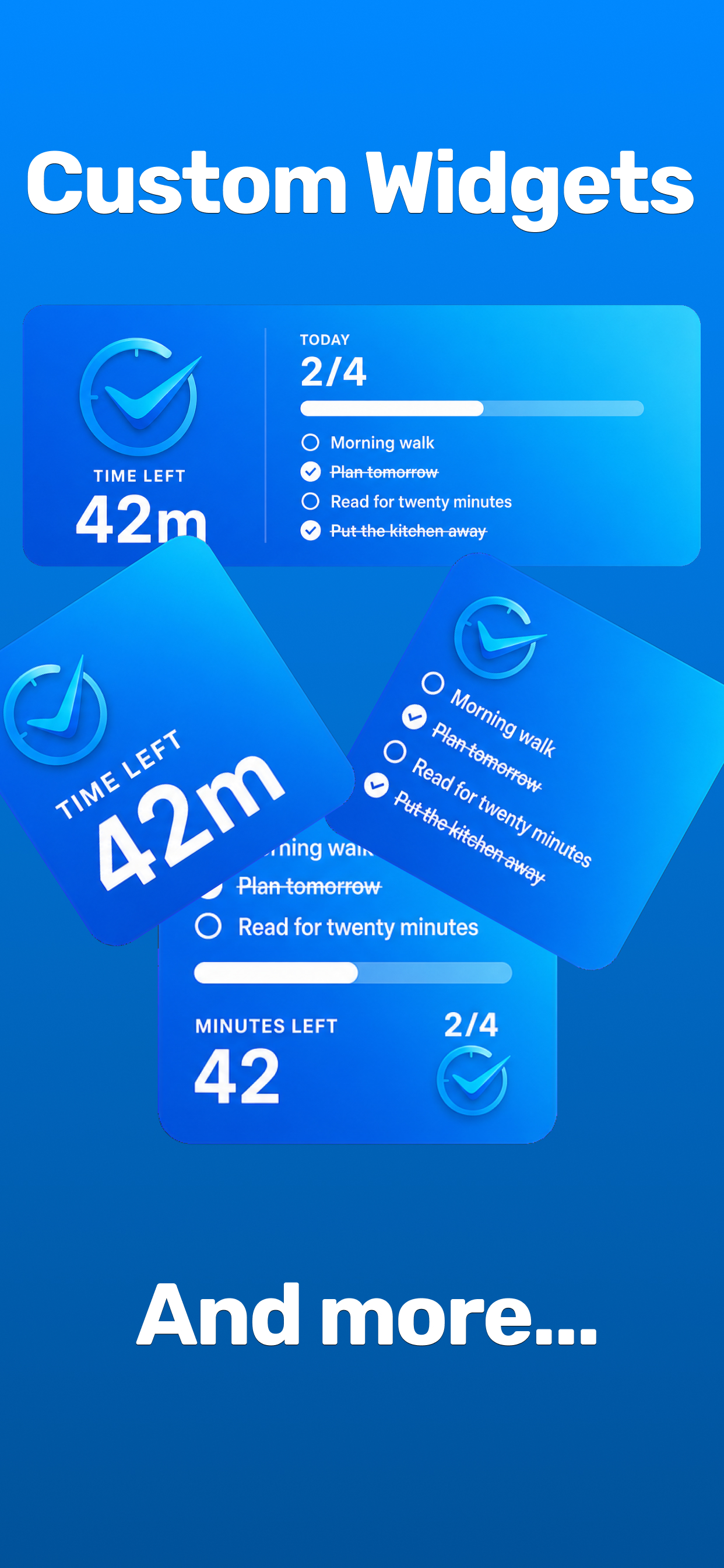
Built around a single idea: the time you spend should reflect what you got done.
Every completed task adds minutes to an allowance you can actually spend.
Three reward tiers, because a five-minute job and a real effort aren't worth the same.
Apps and categories of your choosing, enforced by Apple's Screen Time system.
Set the ceiling on how much screen time can be earned in a single day.
Earned, spent and still available — updating in real time as the day goes.
Minutes left and today's tasks at a glance, without opening the app.
Standard or fully custom repeat schedules, so you build the plan once.
Daily screen-time history, completed tasks, streaks and how often blocking kicked in.
A six-digit passcode over your blocked apps and the task actions you choose.
You never make an account to use LiveFirst. Health readings and background movement stay on your phone, only what you deliberately attach to a task is saved, and blocking runs through Apple's own Screen Time framework. Read the Privacy Policy or our Consumer Health Data Notice.
Yes — download and use it for free. The free version covers two tasks a day, Bronze and Silver rewards, manual completion, timers, app blocking, reminders, repeating tasks, notes, the daily allowance system and parental controls at their default settings. Pro adds unlimited tasks, Gold rewards, the automatic completion methods, and per-action control over the parent passcode.
It really blocks. LiveFirst runs on Apple's Screen Time system, so the apps and categories you pick are genuinely restricted — there's no "ignore for today" button. While you have earned minutes they open normally; the moment the balance hits zero they're closed again.
No. You choose exactly which apps and categories LiveFirst limits — everything else stays open all day, including calls, messages, maps and anything else you rely on.
Usually not. Timers bank themselves when the time is up whether the app is open or not, and Apple Health, Calendar, Reminders and Location tasks complete on their own once the condition is met. Background location completion needs Always location access; with a lesser grant, keep LiveFirst open until that access is enabled.
The parent passcode protects the blocked-app list and the task actions you choose, and five wrong attempts pauses entry for 15 minutes. LiveFirst is an in-app safeguard on one device, so for deletions and installs use Apple's own device-level parental controls alongside it.
Your selected apps lock until you earn more. Finish another task and its reward is banked straight away, so the apps open again with no extra setup.
Only what you actually use. Screen Time access for the blocking, then Apple Health, Calendar, Reminders, notifications or location purely for the completion methods you turn on. Skip a method and it never asks. Nothing is uploaded and there's no account.
Through LiveFirst support, or email support@symcoredesign.com. We read every message.
Tomorrow morning you start on zero minutes — and the only way to get them is to go and do the thing. Two minutes to set up.
Free to download No account needed iPhone & iPad